Weather Card
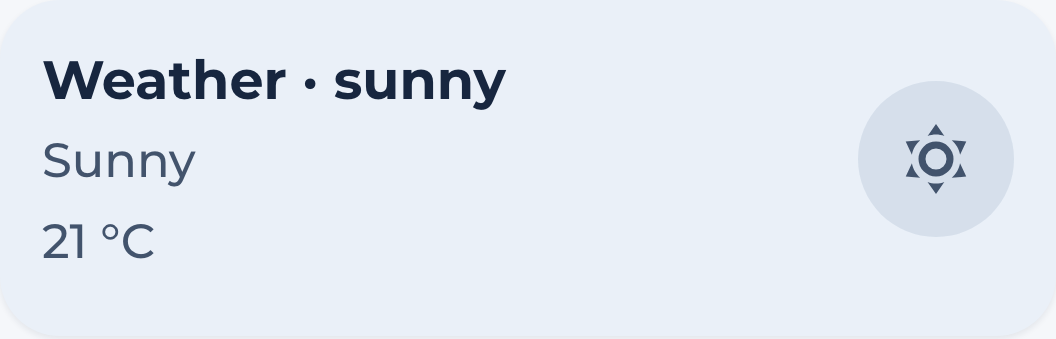
The weather card shows a localized condition, Home Assistant’s condition icon, current temperature and an optional daily forecast from the configured sensor.
Usage
Custom Sensor needed
Before you can use this card, you need to have a custom sensor that gets the forecast data. You can create a custom sensor inside your configuration.yaml or create a templates.yaml file in the root of Home Assistant and add template: !include templates.yaml to your configuration.yaml. Then, add this code underneath, save the file and reload your configuration.
- trigger:
    - trigger: time_pattern
      hours: /1
    - trigger: event
      event_type: event_template_reloaded
  action:
    - action: weather.get_forecasts
      target:
        entity_id:
          - weather.home
      data:
        type: daily
      response_variable: dailyforecast
  sensor:

    - name: Weather Entity Forecast
      unique_id: weather_entity_forecast
      state: "{{ states('weather.home') }}"
      icon: mdi:hours-24
      attributes:
        condition: "{{ states('weather.home') }}"
        cloud_coverage: "{{ state_attr('weather.home','cloud_coverage') }}"
        temperature: "{{ state_attr('weather.home','temperature')  }}"
        wind_speed: "{{ state_attr('weather.home','wind_speed')  }}"
        wind_gust: "{{ state_attr('weather.home','wind_gust_speed')  }}"
        dew_point:  "{{ state_attr('weather.home','dew_point') }}"
        wind_bearing:  "{{ state_attr('weather.home','wind_bearing') }}"

        datetime: "{{ dailyforecast['weather.home'].forecast[0].datetime }}"
        forecast: "{{ dailyforecast['weather.home'].forecast }}"
Now, you should have a new sensor called sensor.weather_entity_forecast which you can use as entity in this card.
Note: If you want to use another weather provider like Buienradar or Accuweather, just replace weather.home with your desired intergration.
View code
  - type: custom:marao-card
    template: hc_weather_card
    entity: sensor.weather_entity_forecast
    variables:
      show_forecast: false
Variables
| Variable | Default | Required | Description |
|---|---|---|---|
| label_left | returns date | No | text in left top corner |
| label_right | No | text in right top corner | |
| show_forecast | true | No | shows or hides the forecast |
Contribution
- Coasting24 did most of the work