Light Card
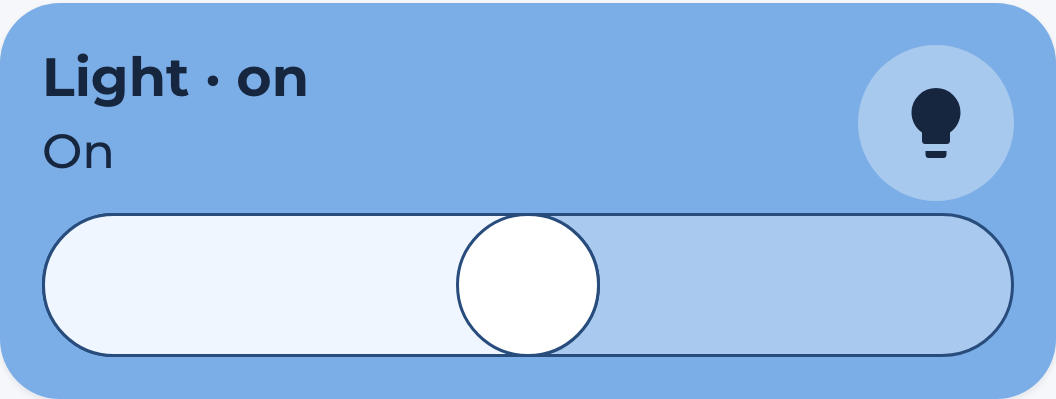
Generated overview lighting popups list every configured light, including lights that are off. Unknown and unavailable lights remain visible with disabled controls. The hc_light_card is used to turn on and off a light. You have the option to show or hide the brightness slider.
Usage
  - type: custom:marao-card
    template: hc_light_card
    entity: <your light entity>
    name: MyLight
    variables:
        enable_slider: true
Remember to take care of indentation
Variable / entry
| Variable | Default | Required | Example |
|---|---|---|---|
| entity | Yes | light.livingroom | |
| name | friendly name | No | Livingroom Light |
| enable_slider | true | No | Show or hide the brightness slider |
| card_color | var(–color-blue) | No | The active card color |
Brightness
The slider uses the entity’s supported color modes to detect dimming support. On/off-only lights have a toggle without a slider. Set enable_slider: false to hide it on dimmable lights. custom_label adds a prefix to the displayed state.